Vehicle
Unit 101
- Driver
- Demo Driver A
- Speed
- 63 mph
- Location
- I-80 near Cheyenne, WY
HOS availability
Drive5:12
Shift7:11
Cycle40:10
Electronic logging + fleet management
Electronic logging, real-time fleet visibility, and driver workflows — brought together in one powerful platform.
Already using OneBook? Sign in
How it works
Every duty status change, mile and engine hour travels one clear path — from the truck’s engine computer to your dispatch screen.
The ELD device does not connect to the internet on its own — the driver’s phone relays data.
Hours of Service
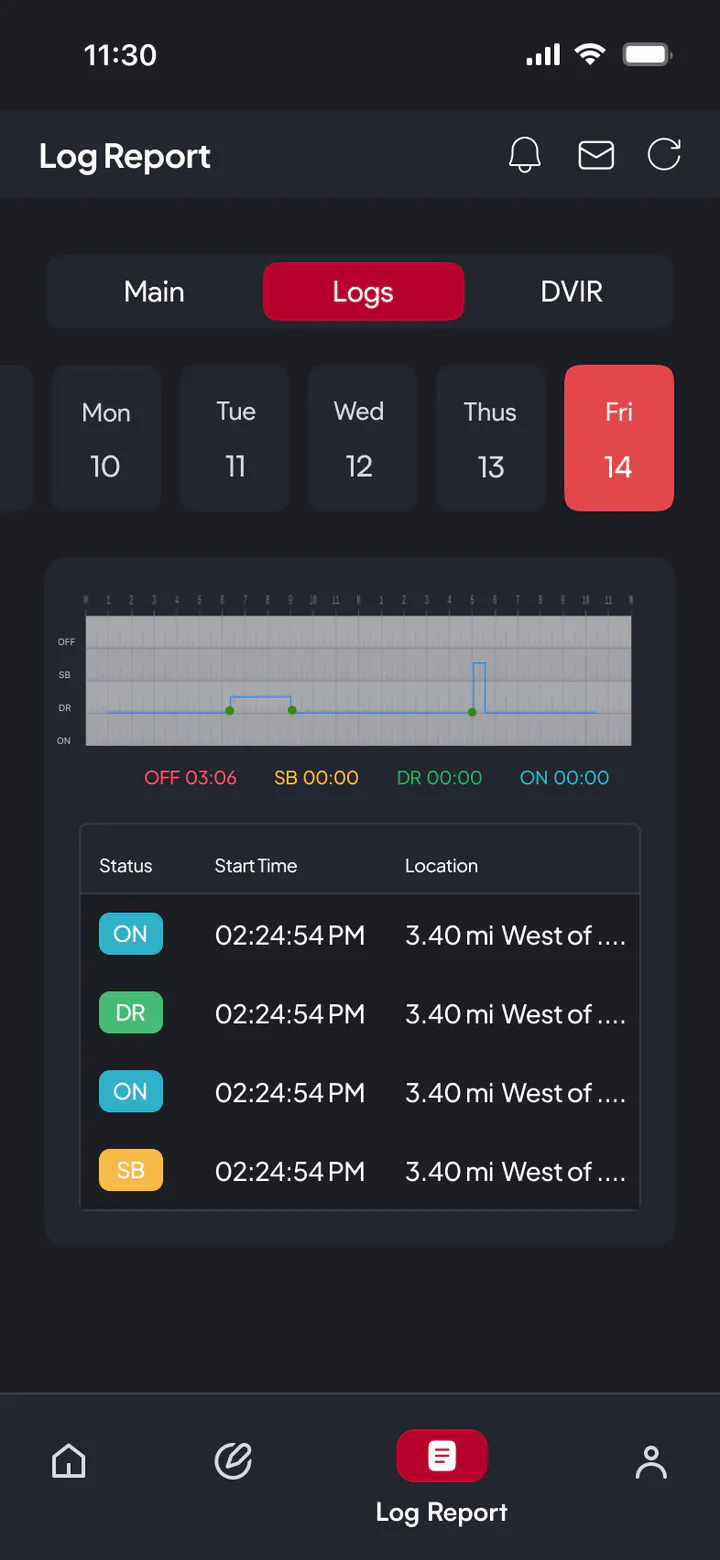
Duty status follows the truck. When the vehicle starts moving, the driver app records Driving on its own and every clock updates — the driver and the office see the same numbers.
Vehicle speed
0mph
Above 5 mph the app switches the driver to Driving automatically.
Demo driver · Unit 101
Break
30-min break in
Drive
11-hour limit
Shift
14-hour window
Cycle
70 hours / 8 days
Live fleet visibility
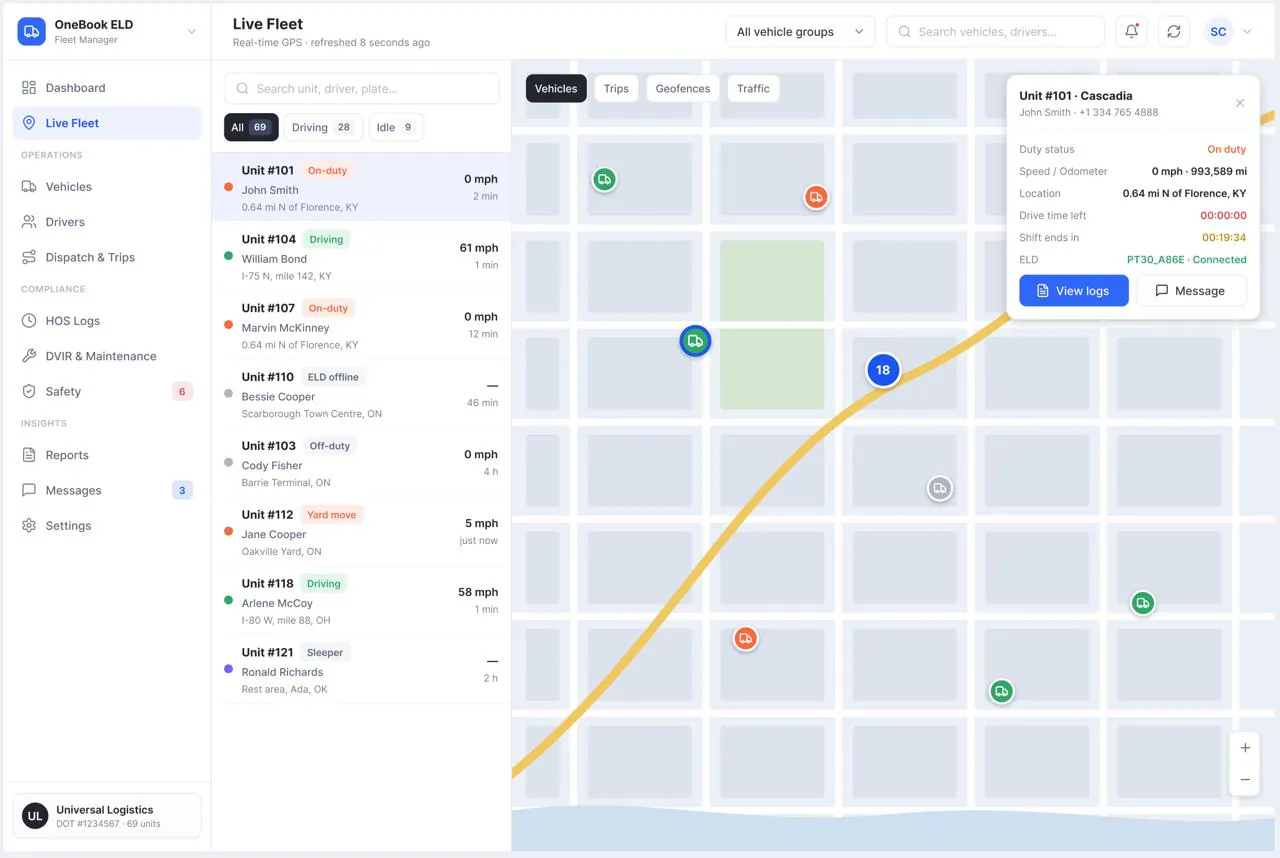
See every unit, its driver, duty status and remaining hours at a glance. Geofences notify dispatch when trucks arrive at or leave a yard.
Simulated demo data — no live customer locations.
Vehicle
HOS availability
Geofences mark yards and customer sites. Entry and exit events appear in the feed.
Driver app
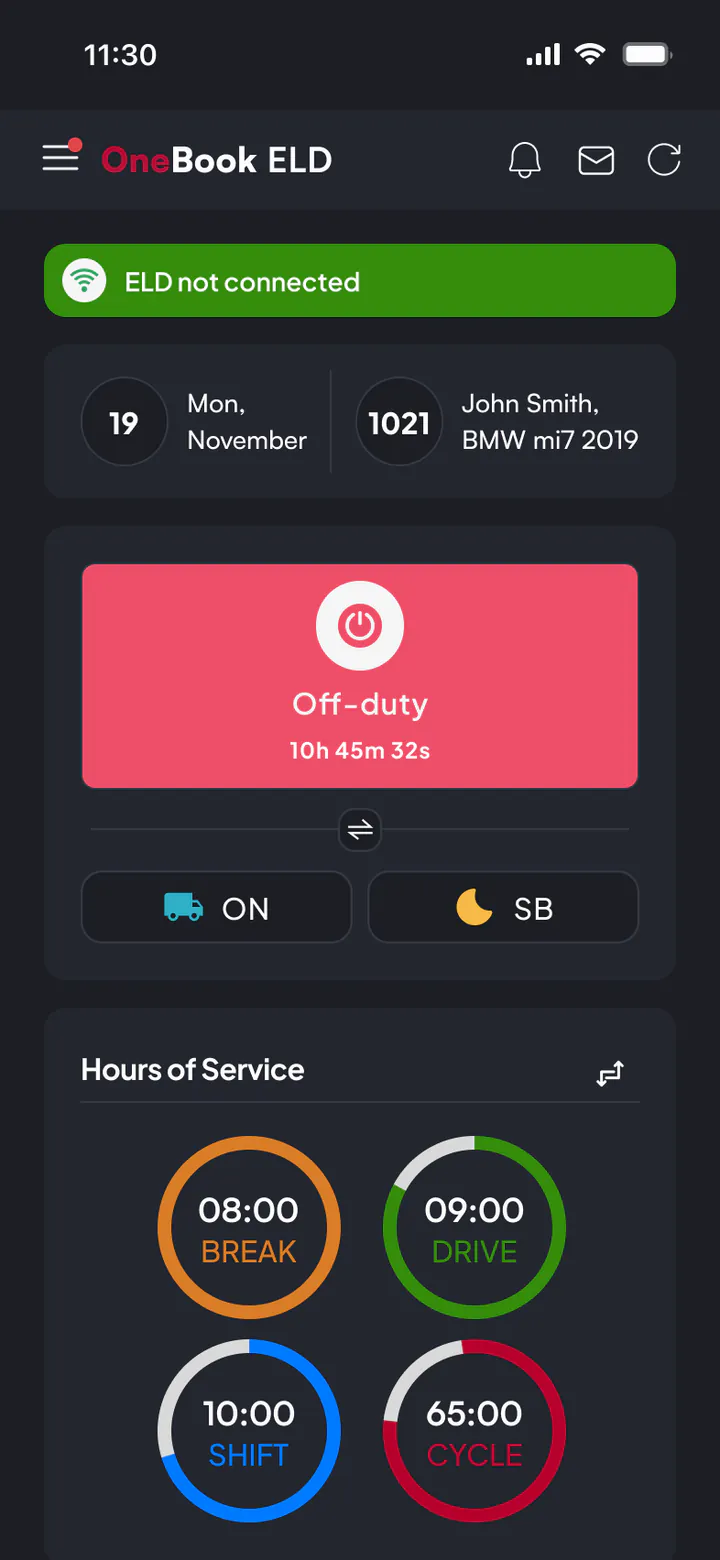
A mobile app built for the cab: large controls, clear clocks and workflows that keep working where coverage does not.
Offline reliability
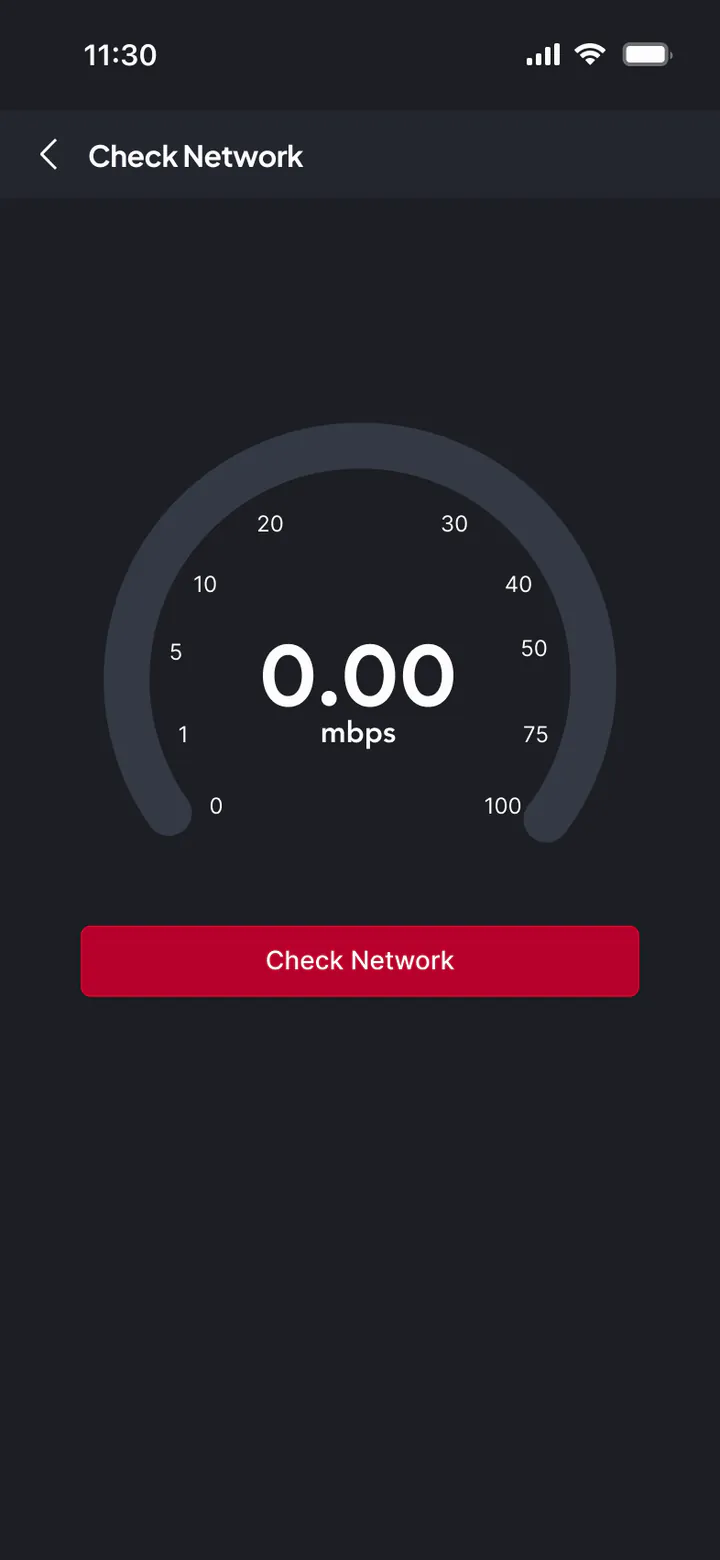
Tunnels, mountain passes and rural highways lose coverage. The record keeps going.
Records are stored in the driver app on the phone. The PT30 keeps feeding the phone over Bluetooth the whole time — it never needs its own internet connection.
Inspection & maintenance
Driver vehicle inspection reports connect straight to the shop, so a defect found at 6 a.m. becomes a work order, not a note.
Lights & reflectors
Headlights, turn signals, brake lights, clearance and marker lamps.
Carrier dashboard
One web app for safety managers, dispatchers and fleet owners — real screens from the OneBook carrier platform.
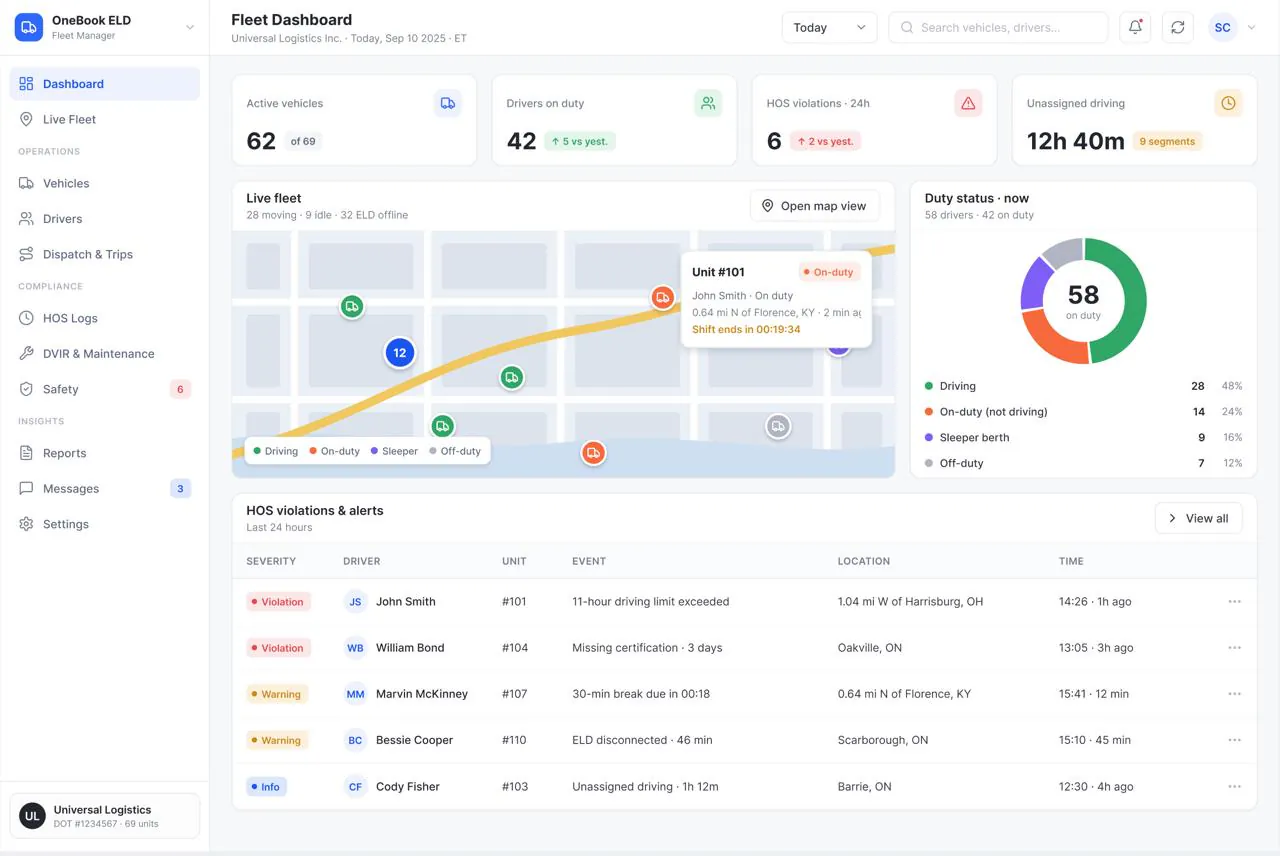
Duty status split, violations and units that need attention today.
Admin
Company settings, users and permissions.
Fleet manager
Vehicles, drivers, devices and compliance.
Dispatcher
Trips, messages and live operations.
Viewer
Read-only access to dashboards and reports.
Compliance
OneBook follows the structure of the ELD rule in 49 CFR Part 395 — the records, edits and outputs an inspector expects to see.
OneBook ELD is in active development; feature availability may vary.
Hours of Service limits and electronic records of duty status, modeled on the federal rule.
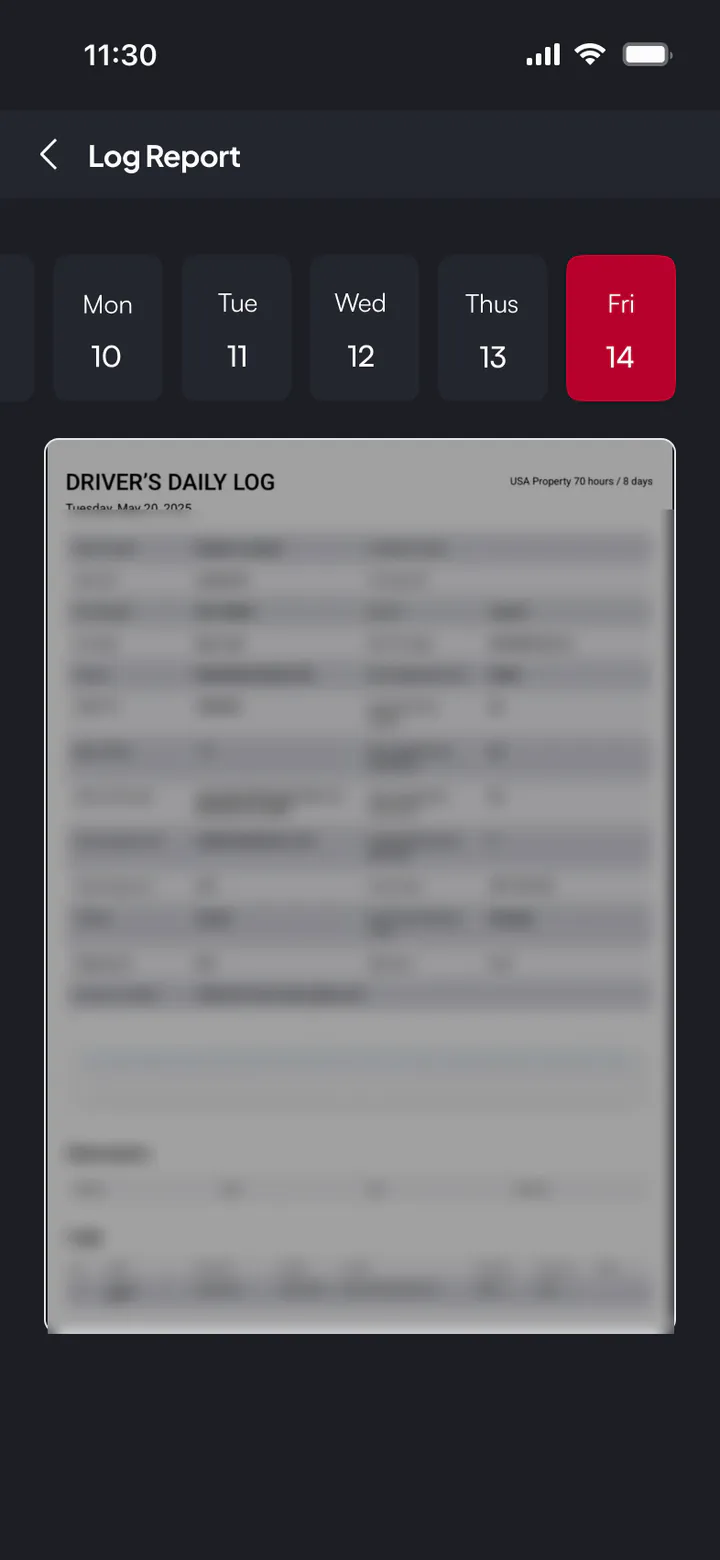
Drivers review and certify each day’s log from the app.
Original events are preserved. Edits proposed by the office require the driver’s approval.
A dedicated view shows an officer the driver’s logs on the phone.
Generates the ELD output file format used for data transfer to safety officials.
Explore a connected approach to electronic logging and fleet operations.
Tell us about your fleet. We reply on Telegram.